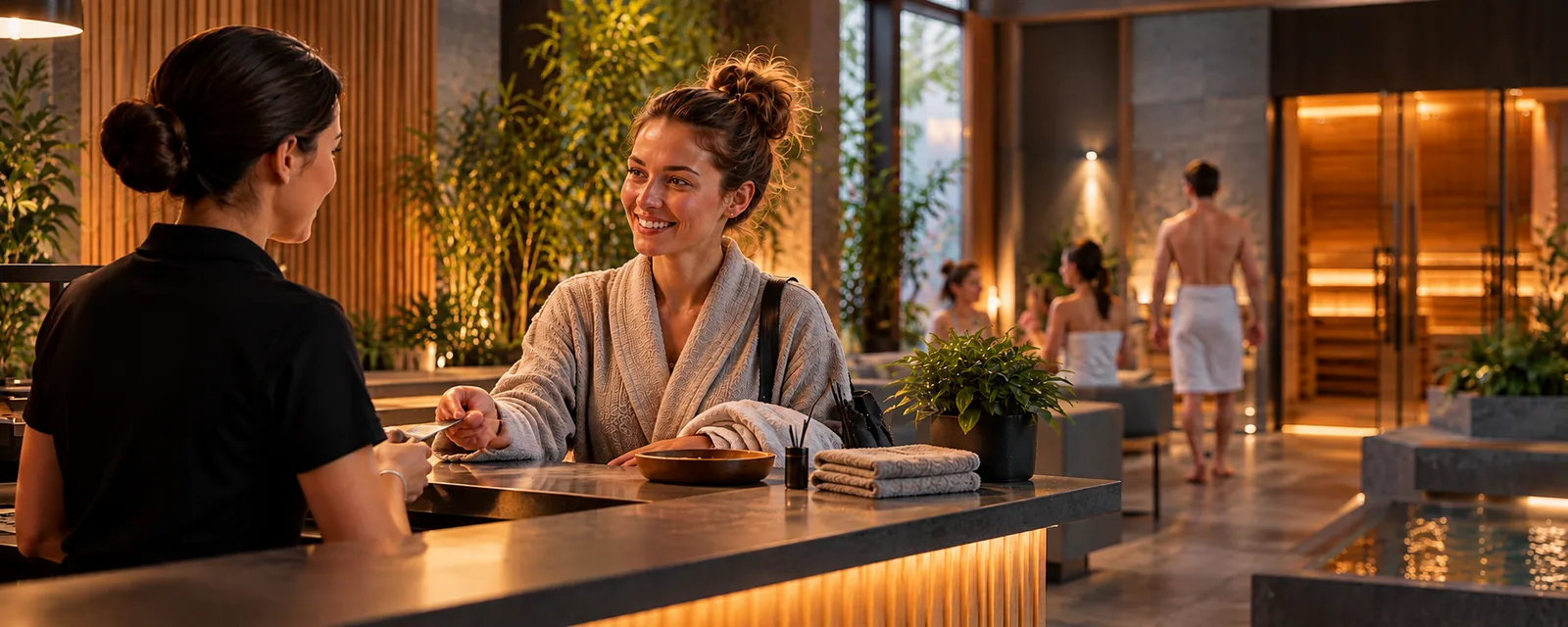

Running a small sauna involves more than preparing the venue and organizing sessions. It also means handling bookings, keeping track of guest numbers, answering questions, and updating attendee lists. When requests arrive by phone, text message, and messaging apps, it can be easy to lose track of availability.
The simplest way to organize bookings is to maintain one up-to-date booking list, establish clear booking rules, and use a single source of information for events. As the number of guests grows, it may be worth considering a system that combines booking management with a public booking page.
How can you organize this work, reduce manual tasks, and choose a tool that fits the size of your sauna?
Why Can Bookings Be Difficult to Manage at a Small Sauna?
At a small venue, the owner often handles several responsibilities at once: preparing sessions, communicating with guests, taking bookings, and managing day-to-day operations.
At first, a phone and a spreadsheet may be enough. Problems tend to appear when bookings increase, events take place regularly, and information has to be updated in several places.
Common challenges include:
- Bookings spread across different channels - some guests book by phone, while others use messages or online forms.
- Out-of-date lists - a change or cancellation means the booking records need to be updated.
- The risk of exceeding capacity - availability may not be updated promptly.
- Repeated communication - staff repeatedly answer questions about dates, prices, and participation rules.
- No quick overview - it can be difficult to see how many guests have booked each session.
You do not necessarily need sophisticated software to solve these problems. Start by organizing how bookings are received and deciding which information staff need to manage them effectively.
1. Keep All Bookings in One Place
The basic rule is to use one central booking register. This could be a spreadsheet, a form connected to a register, or a dedicated booking system.
The register should include, as appropriate:
- the name and date of the session or event;
- the number of places booked;
- the contact details needed to manage the booking;
- the booking status;
- relevant changes to the reservation.
If some guests book by phone and others online, all bookings should be recorded in the same place.
This means staff do not have to search through messages or ask colleagues for the latest information. They can check one source instead.
It is also worth assigning responsibility for updating bookings. Even the best tool will not help if changes are recorded late.
2. Separate Regular Sessions from Special Events
A small sauna may offer regular sessions, sessions led by a sauna master, and themed events. Each type of activity may require different information and booking rules.
For regular sessions, the most important details are usually the date, time, number of available places, and duration. A special event may also need a programme description, information about the host, and any specific participation requirements.
Create separate entries for individual dates and events rather than keeping every booking in one general list.
This makes it easier to update information, plan daily operations, and understand interest in different events.
3. Manage Availability and Booking Rules
Every sauna has a capacity limit. The organizer should set an appropriate attendance limit based on the venue and the type of event.
For example, suppose a session can accommodate a maximum of 12 people. If existing bookings already cover 11 attendees, staff need to know that only one place remains.
Group bookings also matter. One reservation may include several people, so counting bookings alone is not enough.
Before opening bookings, decide:
- the maximum number of attendees;
- whether one booking can cover multiple people;
- when a booking is considered confirmed;
- how guests can cancel;
- what happens when a place becomes available again.
Make these rules easy to find, ideally on the booking page or in the event description.
If you choose booking software, check whether it supports the capacity rules and availability updates your sauna needs. Not every system offers the same features.
4. Let Guests Book Online
A public booking page gives guests one place to find information about the sauna and its events. Depending on the solution, they may be able to review the offer, check dates, and follow the booking process online.
This is especially useful when staff regularly answer questions about dates, prices, and availability.
A helpful page should include:
- clear descriptions of sessions and events;
- up-to-date date and time information;
- participation and cancellation rules;
- straightforward instructions for making a booking.
A website alone will not solve the problem of bookings coming through different channels. If online and phone bookings are managed separately, staff still need to reconcile availability manually.
It is therefore best to connect the public booking channel with one central place for managing reservations.
5. Prepare an Attendee List for Each Day
Before the day begins, staff should be able to check which sessions and events are scheduled and how many people have booked.
An up-to-date list helps the team prepare the venue and share relevant information with the people responsible for guest service. It should show the schedule, attendee numbers, and any changes that matter for organizing the sessions.
If several people work at the sauna, authorized staff should use the same current source of information.
This helps reduce mistakes caused by verbal updates, private messages, and outdated notes.
Which Booking Tool Should You Choose?
The right option depends on booking volume, how often events take place, and how much time staff spend on manual administration.
| Option | When it may work well | Limitation |
|---|---|---|
| Calendar and phone | For occasional bookings | Harder to manage many requests |
| Spreadsheet | For a small number of bookings | Updates remain manual |
| Online form and shared register | When you want to simplify booking requests | A form alone may not track availability |
| Booking and event management system | For regular bookings and more attendees | Features vary by provider |
Not every sauna needs a sophisticated system. However, if you organize events regularly and bookings take up an increasing amount of time, consider a tool that helps manage reservations and present your offer to guests in one place.
You may also want to consider whether the system can support other parts of the business, such as reception, rentals, or reporting. You do not have to implement everything at once. Start with the features that address your biggest operational needs.
How Can Ontero Help a Small Sauna?
Ontero is a platform designed to help businesses that manage guest visits organize their operations. It includes features for bookings, event management, and a public venue page.
For a small sauna, it may provide a way to organize bookings and present the offer in one place rather than spreading information across several communication channels.
Its plans address different needs:
- BASIC - bookings, events, a public venue page, and online bookings. The plan includes a limit of 10 events per month.
- BUSINESS - everything in BASIC without the event limit, plus reception and statistics.
If bookings and event organization are your main priorities, start by reviewing BASIC. If you also need tools for day-to-day guest service and business reporting, consider BUSINESS.
Learn more on the Ontero website and visit the product page.
Summary
Managing bookings at a small sauna comes down to a few practical principles: keep one up-to-date booking register, establish clear booking rules, monitor attendee numbers, and make event information easy to access.
A spreadsheet may be enough at first. As guest numbers and events increase, a booking system can help simplify registration and make your offer available online.
If you want to organize bookings and events at your venue, explore whether Ontero fits your needs.
FAQ: Frequently Asked Questions
What is the best way to manage bookings at a small sauna?
Use one shared register that contains all current bookings. For regular events, consider a system that combines bookings, event management, and a public booking page.
Does a small sauna need an online booking system?
Not always. Simple tools may be sufficient for occasional bookings. Online booking becomes more useful when the venue regularly runs sessions and events or wants to reduce phone calls and messages.
How can a sauna control the number of places available for a session?
Set an attendance limit, count the number of people included in each booking, and update availability when bookings change or are cancelled.
Can bookings and events be managed in one system?
Yes. Some solutions combine both areas. Before choosing one, check that its features match the way your venue operates.