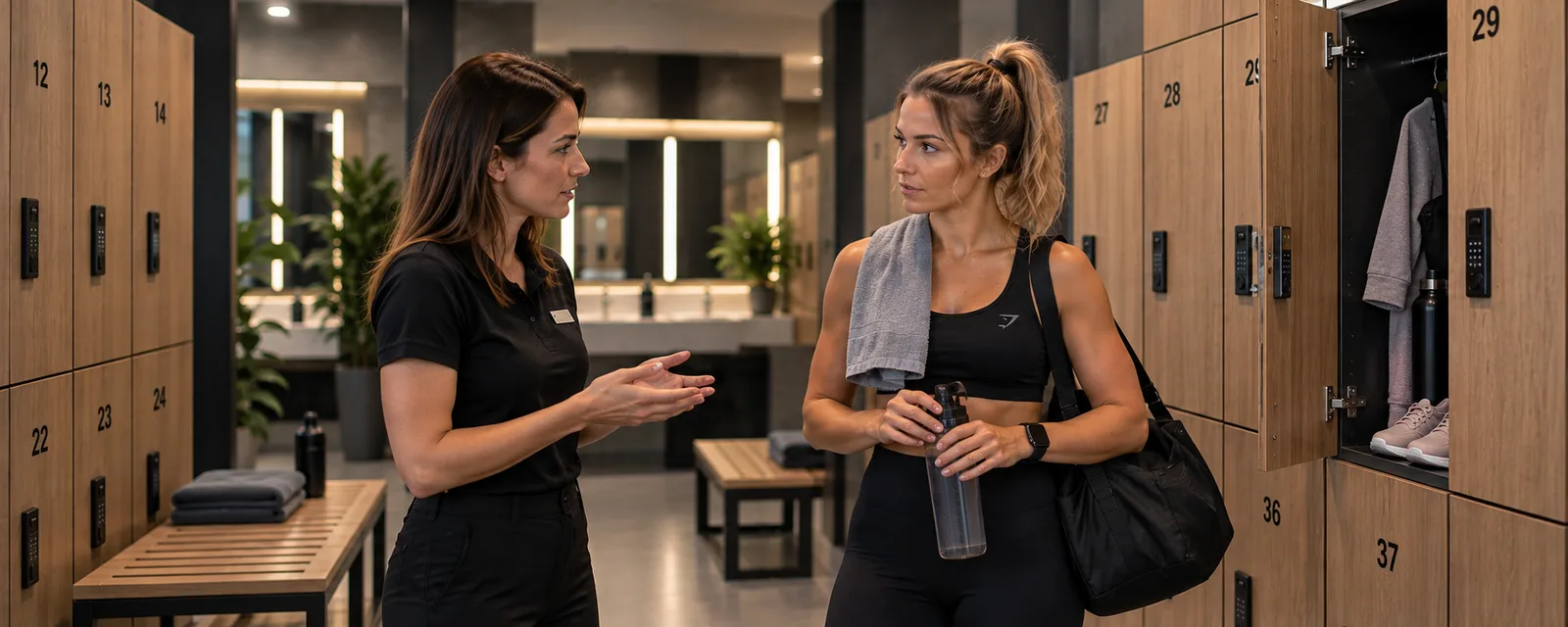

A customer wants to book a group fitness class. They approach the front desk but are told to speak to the instructor. If the instructor is not at the club, the customer has to call, send a text or write a message. They may need to wait for a reply and then check whether their place has actually been reserved.
This creates unnecessary friction for the customer. For the instructor, it means another administrative task to manage alongside preparing and running classes. The front desk also cannot fulfil its role effectively if staff are unable to provide basic information about availability.
Many fitness clubs manage bookings this way. It is not necessarily the result of poor organisation. Often, the approach worked when there were only a few participants, but as the schedule grew, it started to generate more work.
How can a club improve the situation? The key is to organise bookings so customers do not have to track down an instructor and the whole team works with the same information.
1. Do not make bookings depend entirely on instructor availability
Instructors need to know who will attend their classes, but that does not mean they must personally handle every booking request.
If only the instructor can add a participant to the list, customers depend on that person's availability. When the instructor is teaching, taking a break or not working that day, making a reservation may require extra contact and waiting.
It helps to separate responsibility for the class from the administrative handling of bookings. The instructor can remain responsible for preparing the session and setting participation rules, while booking requests are handled through a shared procedure.
This allows front desk staff to help customers in person. It also means that phone or online requests do not have to wait until the instructor has time to reply.
2. Give the front desk access to the current booking list
The front desk is a natural point of contact for people visiting a fitness club. Customers may ask about the schedule, available places or the possibility of joining a class. If staff have to refer every customer to the instructor, the process takes longer and customers have another step to complete.
The starting point is access to current information about classes and reservations. Staff should be able to check the session time, participant limit and number of available places, then follow the club's agreed procedure.
This does not mean front desk staff must make every decision on behalf of the instructor. If a particular class requires specific qualifications, prior contact or the instructor's approval, those rules can remain in place. They should, however, be clearly defined rather than arising simply because staff cannot access the relevant information.
A well-organised approach allows the front desk to handle routine questions independently and refer more unusual cases to the appropriate person.
3. Reduce bookings scattered across calls and messages
Phone calls, text messages, Messenger and Instagram can all be convenient ways to communicate. The problem starts when each channel becomes a separate place where bookings are managed.
An instructor might receive a message from one customer, add another person after a class and leave a phone request to record later. If this information does not reach a shared list, it becomes difficult to maintain an accurate picture of the situation.
This can lead to recurring problems:
- Customers do not know whether their booking has been confirmed.
- Instructors have to search through messages to check the participant list.
- Front desk staff cannot see the current number of attendees.
- A newly available place is not offered to the next interested customer promptly.
- Different staff members give customers conflicting information.
A club does not have to abandon every existing communication channel immediately. It can start by adopting one rule: every booking and cancellation must be recorded in a single, up-to-date register, regardless of how the request was received.
It is the shared record, not the number of communication channels, that determines whether bookings are under control.
4. Let customers check availability themselves
The most convenient situation is one in which customers do not have to ask whether a class still has places available. They can check the schedule, read the essential details and submit a booking without having to find the instructor.
A public schedule with online booking reduces repetitive questions and lets customers make reservations at a convenient time. This is particularly useful for people planning workouts in the evening, at weekends or outside front desk opening hours.
When setting up this approach, make sure customers can find:
- The current date and time of each class.
- The class name and a short description.
- The instructor, when relevant.
- The participant limit and availability.
- Clear information about whether the booking has been accepted.
- The rules for cancelling a reservation.
An online form alone will not solve the problem if the schedule is out of date or nobody is responsible for updating it. Online bookings should be part of a consistent way of organising classes, rather than another separate channel that staff must check.
5. Set clear rules for changes and cancellations
Bookings involve more than adding new participants. Customers change their plans, cancel reservations and ask to join when a class is already full.
The club should define how customers can cancel, how much notice is expected and what happens when a place becomes available. For popular classes, a waiting list can help the club contact the next interested person when someone cancels.
Both instructors and front desk staff should follow the same rules. Otherwise, customers may receive different answers depending on whom they contact.
It is also important to distinguish an expression of interest from a confirmed reservation. Customers should know whether they have a place or are still waiting for a response. This simple distinction reduces misunderstandings and helps keep the participant list accurate.
6. Choose a solution that fits the club's needs
For a small number of weekly classes, a simple register and shared procedures may be enough. But if instructors accept bookings through different channels, front desk staff cannot see availability and customers regularly ask about open places, it may be time to consider a more organised solution.
Before choosing a tool, consider a few practical questions:
- Can customers check the schedule and submit a booking themselves?
- Does the front desk have access to the same information as instructors?
- Is it easy to update class times, participant limits and booking lists?
- Can staff distinguish confirmed reservations from requests that still need attention?
- Can the team manage bookings without searching through multiple conversations and notes?
Ontero supports the organisation of reservations and events, along with a public venue page that allows customers to book online. This helps clubs present their offering in one place and makes it easier for customers to find suitable classes.
Learn more on the Ontero website or explore the product.
Conclusion: customers should not have to track down an instructor
Efficient fitness class bookings do not require instructors to give up control over how their sessions are organised. They require a clear division of responsibilities and shared access to current information.
When front desk staff can check availability, customers know how to reserve a place and every request is recorded in one register, daily operations become simpler. Less time is spent answering the same questions, searching through messages and clarifying whether a booking was accepted.
Start with one question: can someone who wants to join a class book a place without having to wait for the instructor? If not, that is the right place to begin improving the process.